





















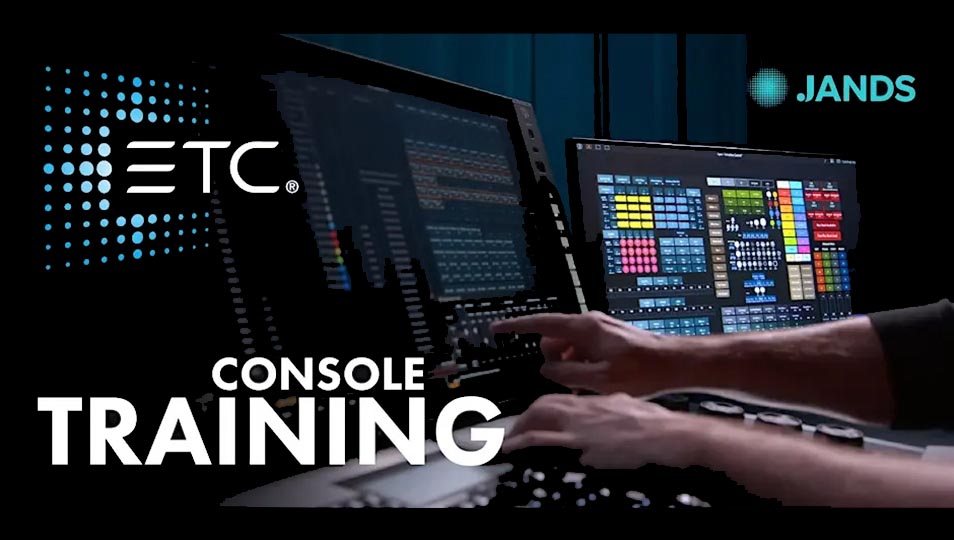
Join Jands in Brisbane for a two-day ETC Eos Family Console Training program. Hands-on training built for real-world lighting programming on Eos.
DAY 1
Are you new to the Eos® platform, wish to refresh your skills or perhaps learn more about the platform you are using everyday?
Are you new to the Eos® platform, wish to refresh your skills or perhaps learn more about the platform you are using everyday? Day 1 of the course will give you a solid foundation of console operation from patching, recording cues to basic effects as well as the platforms process of operation. Day 1 will prepare you to expand your skills ready for the 2nd day. Day 1 is a prerequisite for day 2. Some of the things that we cover are:
Course Structure:
• Identify key elements of the desk’s user interface and navigation
• Manage show files (save, edit, delete)
• Patch conventional and multi-parameter fixtures
• Work with channels in Live mode
• Record, select and delete groups
• Record, play and delete a basic cue
• Record to, load and clear sub masters
• Create step-based effects
• Understand the basics of working with a multi-parameter device (introductory concepts)
• Work with the programming wing and the Eos programming puck
Session Time:
9:00am – 5:00pm (Morning Tea, Lunch and Afternoon Tea is provided)
Book your place HERE
DAY 2
Day 2 of the Eos training builds on the concepts and skills from day 1 as well as providing a more in-depth look at the next level of op.
Day 2 of the Eos training builds on the concepts and skills from day 1 as well as providing a more in-depth look at the next level of operation. We will work with multi-parameter devices, creating palettes and then using those to record cues. We also look at more advanced effects and create a magic sheet. After completing day 2 you’ll be able to:
•Patch moving lights and multi-parameter devices and edit device attributes
•Work with non-intensity parameters and their associated functions
•Record and recall palettes and presets
•Use Direct Select and ML Control Modules
•Take advantage of discrete timing
•Use Mark and/or Auto-Mark functions
•Understand Update and its styles and modifiers
•Create Relative and Absolute Effects
•Create and use a magic sheet
• Work with the programming wing and the Eos programming puck
***Day 1 of the ETC EOS training is a prerequisite for day 2 please do not sign up for day 2 only***
Session Time:
9:00am – 5:00pm (Morning Tea, Lunch and Afternoon Tea is provided)
Book your place HERE